Remote support for mobile devices
Remote guidance for iPhone, iPad, and Android devices when you need a little extra help.
Remote Help for Phones & Tablets
Need help with an app, email account, device setting, or other mobile-device problem? 191 Incorporated provides scheduled remote guidance for many common iPhone, iPad, and Android questions.
Mobile support works differently depending on the device. We explain the available options before the session so you know exactly what we can see and control.
How Mobile Remote Support Works
Apple and Android devices allow different levels of remote access.
iPhone & iPad
We can view your iPhone or iPad screen while guiding you through the steps, but Apple does not allow us to click, tap, or control the device remotely.
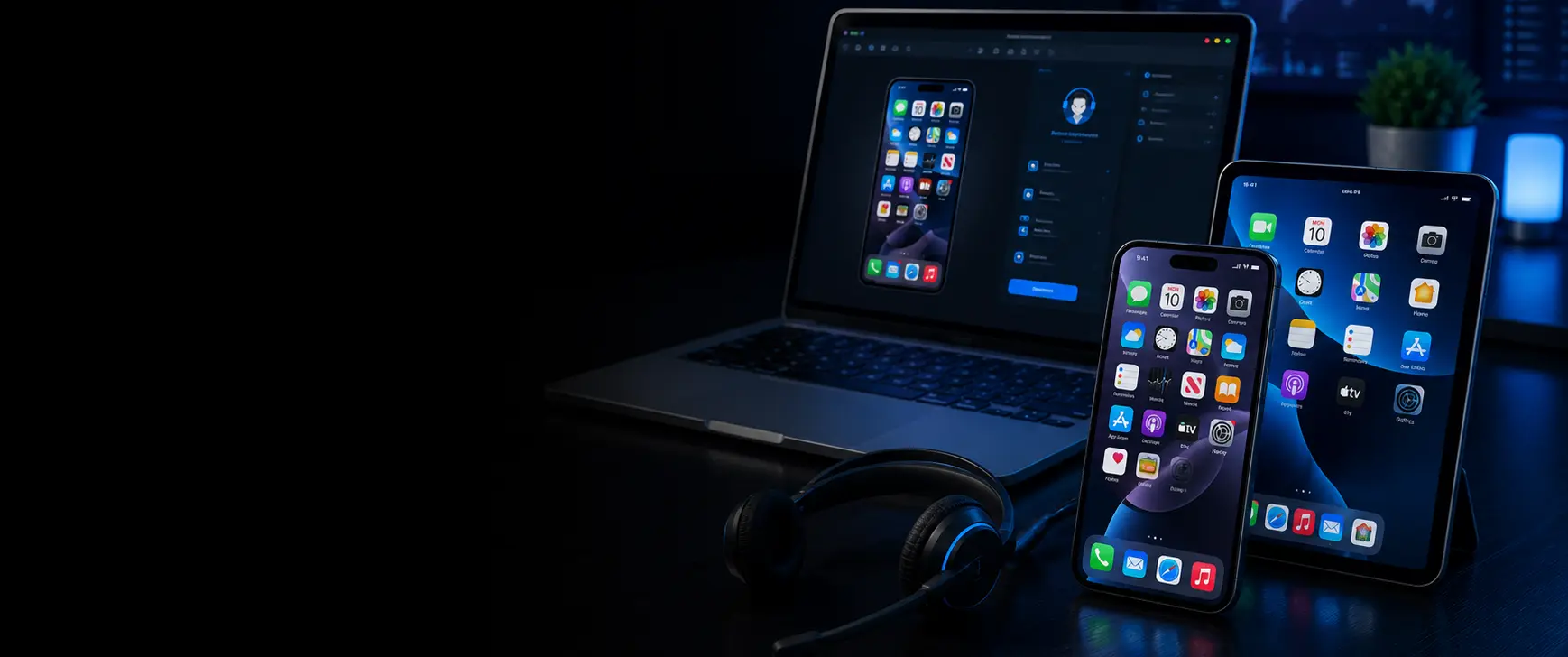
On newer Macs, your iPhone screen may also be displayed on the Mac, which can make it easier for us to see the problem and guide you through the solution.
Android Phones & Tablets
Many Android devices support full remote assistance, allowing us to view the screen and, with your permission, interact with the device directly.
Available controls can vary slightly by manufacturer, Android version, and security settings.
Easy Screen Sharing Using Apps You Already Have
We can often provide mobile assistance using familiar video calling and screen-sharing apps already installed on your phone, tablet, or computer.
Depending on your device and the issue, we may connect using:
This allows us to see what you are seeing, guide you step-by-step, and answer questions in real time without requiring a complicated setup.
Common Mobile Issues We Can Help With
Remote mobile support is best suited to software, settings, and account-related questions.
Simple, Scheduled Assistance
Mobile-device support is provided by appointment for specific problems and questions.
Describe the Issue
Tell us what device you have and what you need help accomplishing.
Choose the Best Connection Method
We determine whether video chat, screen sharing, or full Android remote access is the best option.
Connect Securely
You approve the call, screen-sharing session, or remote-support connection.
Work Through the Problem
We guide you through the solution or control the device when supported by Android.
📱 Mobile Support Has Some Limitations
Mobile remote assistance cannot repair a broken screen, charging port, damaged battery, liquid damage, or other hardware problem.
Some account-security, carrier, banking, device-activation, and manufacturer-specific issues may require assistance directly from the service provider.
Need Help with a Phone or Tablet?
Contact us with the device model and a brief description of the problem. We will let you know whether remote mobile support is a good fit.
Mobile support is available by appointment and is intended for specific software, setup, and settings-related issues.