
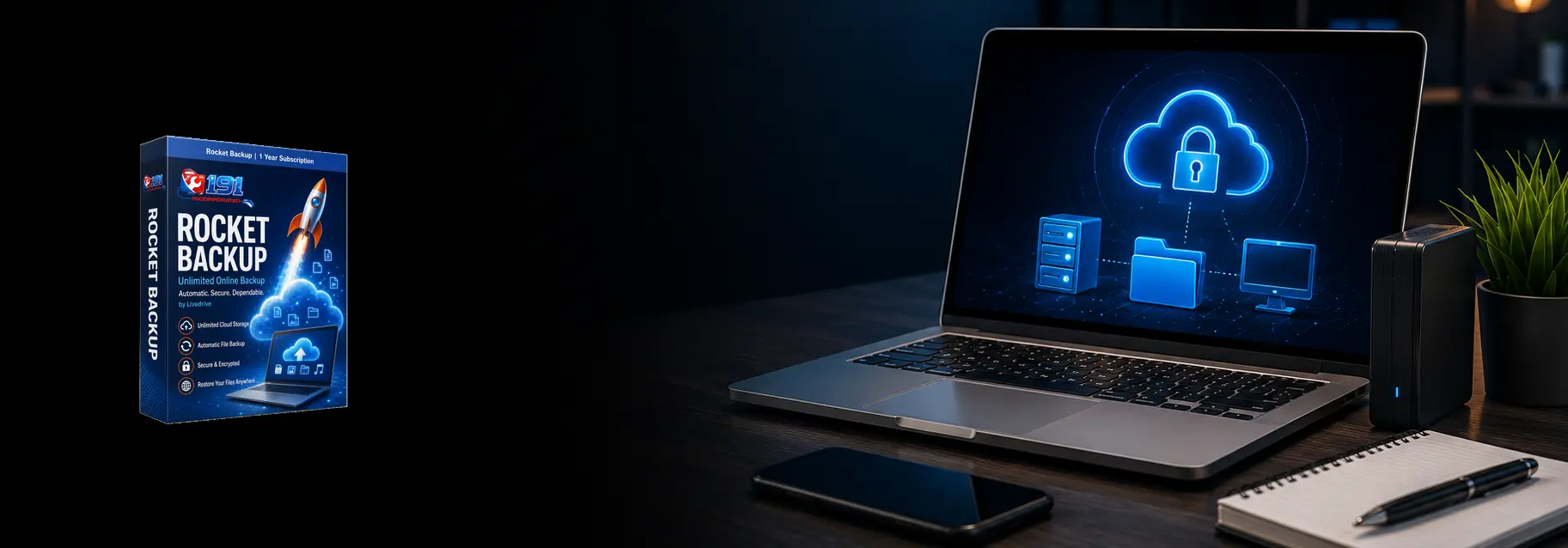
Secure Online Cloud Backup
Automatic, Secure Online Backup for the Files You Cannot Afford to Lose
Automatic Online Backup for Your Important Files
Hard drives fail, computers get damaged, files are accidentally deleted, and ransomware can make valuable data inaccessible without warning. Rocket Backup from 191 Incorporated automatically protects your important files by securely copying them to the cloud.
Once configured, Rocket Backup runs quietly in the background and protects new and changed files without requiring you to remember to connect a drive or manually start a backup.
Our goal is simple: make reliable backup easy, automatic, and professionally supported.
Why Choose Rocket Backup?
Automatic Protection
After setup, Rocket Backup runs automatically in the background and protects new or changed files without requiring manual backups.
Secure Cloud Storage
Your backup is stored away from your computer, helping protect your files if the device is damaged, lost, stolen, or infected.
Previous File Versions
Previous versions can help recover an earlier copy when a file is changed, damaged, overwritten, or deleted accidentally.
Local Support
191 Incorporated handles installation and setup and is available when you need help checking backups or restoring files.
Protect the Files That Matter Most
Rocket Backup protects the personal and business files stored on your computer.
📁 Personal Files
- Photos and family memories
- Personal documents
- Tax and financial records
- School and college work
- Music and video files
- Scanned documents
- Creative projects
- Important downloaded files
- Desktop and document folders
- Other selected personal data
💼 Business Files
- Customer documents
- Estimates and invoices
- Spreadsheets and reports
- Business correspondence
- Marketing materials
- Project files
- Accounting exports
- Forms and templates
- Company photographs
- Other selected business data
Protect Your Data from Common Disasters
💾 Online Backup vs. External Hard Drives
External hard drives can be useful, but they only protect your files when they are connected and the backup actually runs. They can also fail, be disconnected, get lost, or be damaged alongside the computer.
Rocket Backup stores protected files away from your computer and operates automatically. You do not have to remember to connect a drive, copy folders, or take the backup device to another location.
For especially important data, the strongest approach is often to use both a dependable online backup and an additional local backup.
How Rocket Backup Works
We handle the setup and help make sure your important folders are included before the first backup begins.
Install
We install the backup software on your compatible Windows or Mac computer and activate your account.
Select
We review the computer and make sure the important folders and file types you want protected are included.
Upload
The initial backup securely uploads your selected files. The first backup may take time depending on your data and internet speed.
Protect
After the initial upload, Rocket Backup automatically protects new and changed files in the background.
Backup Features
Rocket Backup provides the essential features most home users and small businesses need for dependable file protection.
Generous File Protection
Protect a large collection of documents, photos, videos, and other selected files without relying on a single external drive.
Encrypted Backup
Your files are encrypted during transfer and while stored in the cloud to help keep your information private and secure.
Continuous Updates
New and modified files are automatically added without requiring you to begin another full backup manually.
Version History
Previous versions may be available when you need an earlier copy of a file that was changed or overwritten.
When You Need Your Files Back
A backup is only useful when the files can be restored. We can help recover individual files, folders, or larger collections of data when needed.
Individual Files
Restore a document, photo, spreadsheet, or other file that was deleted, damaged, or changed accidentally.
Entire Folders
Recover a folder containing multiple files after accidental deletion, corruption, or a computer problem.
Replacement Computer
Restore your protected files to a repaired or replacement computer after hardware failure, loss, or damage.
🛡️ Backup Is One Part of a Complete Protection Plan
Online backup protects your files, but it does not replace security software, operating-system updates, secure passwords, or safe browsing habits.
For stronger protection, we recommend combining dependable backup with managed security software, multi-factor authentication, current software updates, and appropriate local backups.
191 Incorporated can review your current setup and recommend practical protection without unnecessary products or confusing packages.
Who Should Use Online Backup?
Anyone who stores files they would be upset—or unable—to replace should have a dependable backup.
More Ways to Protect Your Technology
191 Incorporated provides complete computer protection and support for homes and small businesses throughout Western Massachusetts.
Computer Protection
- Managed Security Software
- Virus & Malware Removal
- Computer Tune-Ups
- Data Recovery
- Software Updates
- Computer Repair & Upgrades
Technology Support
- New Computer Setup
- Data Transfers
- Networking & Wi-Fi
- Remote Support
- Small-Business Technology Support
- Websites & Marketing
Protect Your Files Before Something Happens
The best time to set up a backup is before a hard-drive failure, accidental deletion, ransomware attack, or damaged computer puts your files at risk.
Professional setup is available, allowing us to install the software, select your important folders, and confirm that the first backup is running correctly.