Data Transfer
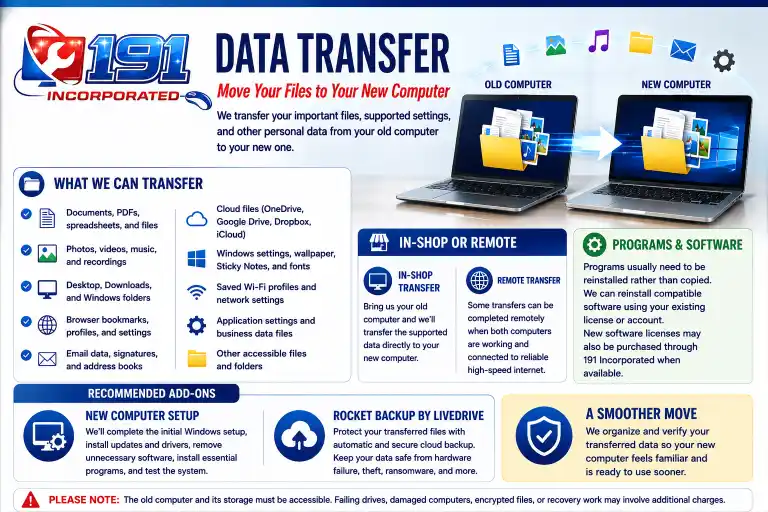
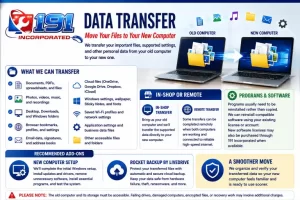
Moving to a new computer? We’ll transfer your important files, supported settings, and other personal data from your old computer to your new one.
📁 What We Can Transfer
✅ Documents, PDFs, spreadsheets, and personal files
✅ Photos, videos, music, and recordings
✅ Desktop, Downloads, and other Windows folders
✅ Browser bookmarks, profiles, and supported settings
✅ Supported email data, signatures, and address books
✅ Locally stored OneDrive, Google Drive, Dropbox, and iCloud files
✅ Selected Windows settings, wallpaper, Sticky Notes, and fonts
✅ Saved Wi-Fi profiles and supported network settings
✅ Supported application settings and business data files
✅ Other accessible files and folders as needed
💻 In-Shop or Remote
In-Shop Transfer: Bring us your old computer and we’ll transfer the supported data directly to your new computer.
Remote Transfer: Some transfers can be completed remotely when both computers are working and connected to reliable high-speed internet.
🧩 Programs and Software
Programs usually need to be reinstalled rather than copied. We can reinstall compatible software using your existing license or account. New software licenses may also be purchased through 191 Incorporated when available.
🛠️ Recommended Add-On: New Computer Setup
Let us prepare your new computer before you start using it. We’ll complete the initial Windows setup, install updates and manufacturer drivers, remove unnecessary trial software, install essential programs, and test the system.
☁️ Recommended Add-On: Rocket Backup
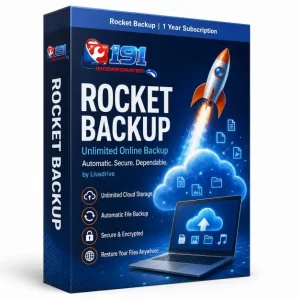
Rocket Backup by Livedrive
Protect your transferred files with automatic and secure cloud backup.
✅ A Smoother Move to Your New Computer
We organize and verify your transferred data so your new computer feels familiar and is ready to use sooner.
Please note: The old computer and its storage must be accessible. Failing drives, damaged computers, encrypted files, or recovery work may involve additional charges.
Reviews
There are no reviews yet.