
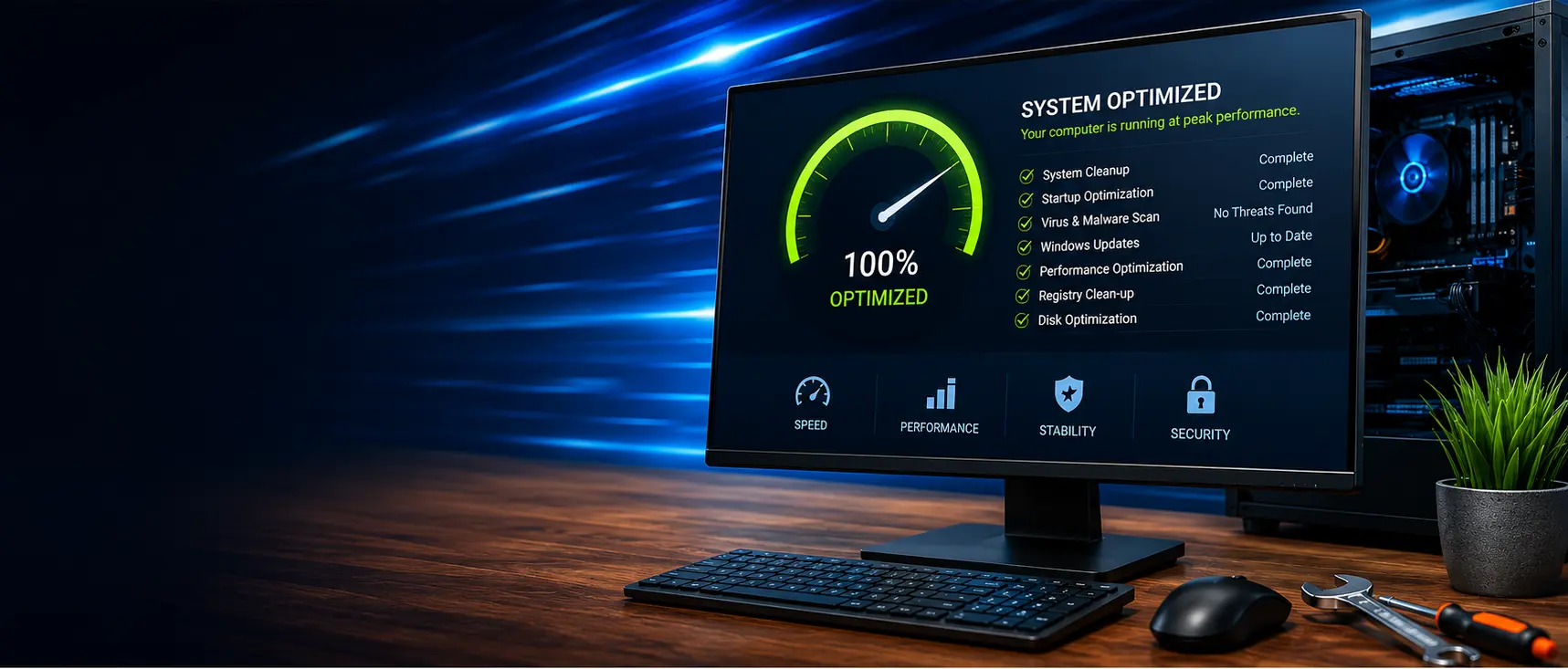
Computer Tune Up and Optimization
Boost your PC’s speed, stability, and security with a professional, hassle-free tune-up
Is Your Computer Running Slow, Freezing or Crashing?
Over time, computers accumulate unnecessary files, outdated software, unwanted programs, startup clutter, and other issues that can affect speed, stability, and security.
Our professional computer tune-up service identifies performance problems, cleans up the operating system, installs important updates, improves browser protection, and helps your computer run more smoothly and reliably.
In many cases, a professional tune-up can make a noticeable difference without requiring expensive repairs or replacing the computer.
A complete software, security, browser, and performance review designed to improve speed, reliability, safety, and everyday operation.
What Is Included?
Every tune-up includes a thorough review of the computer’s performance, security, operating system, browsers, and general condition.
Security & Protection
- Virus and malware scan
- Unwanted software review
- Browser security inspection
- Windows security updates
- General security recommendations
Performance Optimization
- Startup program optimization
- Temporary file cleanup
- Unnecessary program removal
- Storage and drive optimization
- Windows performance adjustments
System Maintenance
- Operating system updates
- Software update review
- File system integrity checks
- Error and reliability review
- General system health inspection
Ad Blockers Installed on Your Web Browsers
As part of every computer tune-up, we install and configure professional ad blockers on supported web browsers.
These tools help reduce intrusive advertising, block many malicious ads before they load, limit online tracking, and create a cleaner, faster, and less distracting browsing experience.
While no browser tool can block every advertisement, scam, or online threat, properly configured ad blockers can significantly reduce exposure to deceptive ads and improve everyday web browsing.
Signs Your Computer May Need a Tune-Up
A computer does not have to be completely broken to benefit from professional maintenance.
Fast & Convenient Remote Service
Most computer tune-ups can be completed remotely, so there is often no need to disconnect your computer or bring it in for service.
At your scheduled appointment time, we connect securely to the computer, perform the tune-up, explain what we find, and review any additional recommendations with you.
What a Tune-Up Can—and Cannot—Do
A tune-up can correct many software-related performance problems, but it cannot overcome failing hardware or a computer that no longer meets your needs.
A Tune-Up May Help With:
- Slow startup
- Unnecessary background programs
- Temporary files and clutter
- Software and update problems
- Browser performance and unwanted ads
- General system instability
Additional Service May Be Needed For:
- Failing hard drives or SSDs
- Insufficient memory
- Overheating hardware
- Broken screens or batteries
- Severe malware infections
- Computers that are too old for current software
🚀 Could an Upgrade Make It Even Faster?
Sometimes software optimization is only part of the solution. Replacing an older mechanical hard drive with a Solid State Drive, or adding more memory, can dramatically improve speed and responsiveness.
If we identify a hardware limitation during the tune-up, we will explain your options and help you determine whether an upgrade or replacement provides the best value.
Recommended Every 6–12 Months
Regular maintenance can help keep your computer running smoothly, reduce unnecessary clutter, install important updates, improve browser protection, strengthen security, and identify developing problems before they become more serious.
Give Your Computer a Fresh Start
Whether your computer has gradually slowed down, is freezing or crashing, or simply does not perform like it once did, our professional tune-up service can help.
All service is provided by appointment. Most tune-ups can be completed remotely for added convenience.